
See the whole scale
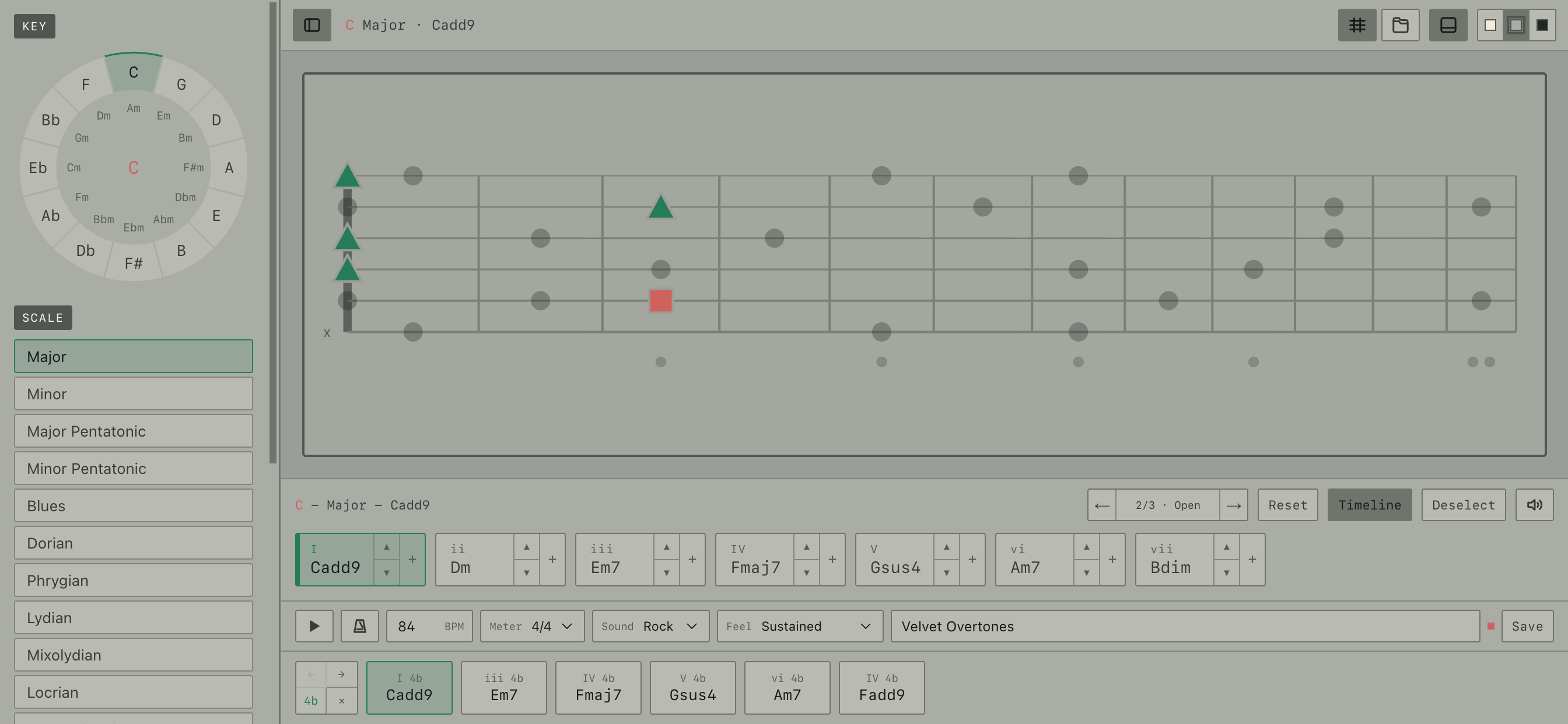
Choose a key, scale, and tuning. See the notes across the neck, with roots marked in coral.
See scales, find chord shapes, and build progressions. Keep it open next to your guitar and learn as you play. No lessons to finish or streaks to keep.
A quick look at how it works. Then try it yourself below.
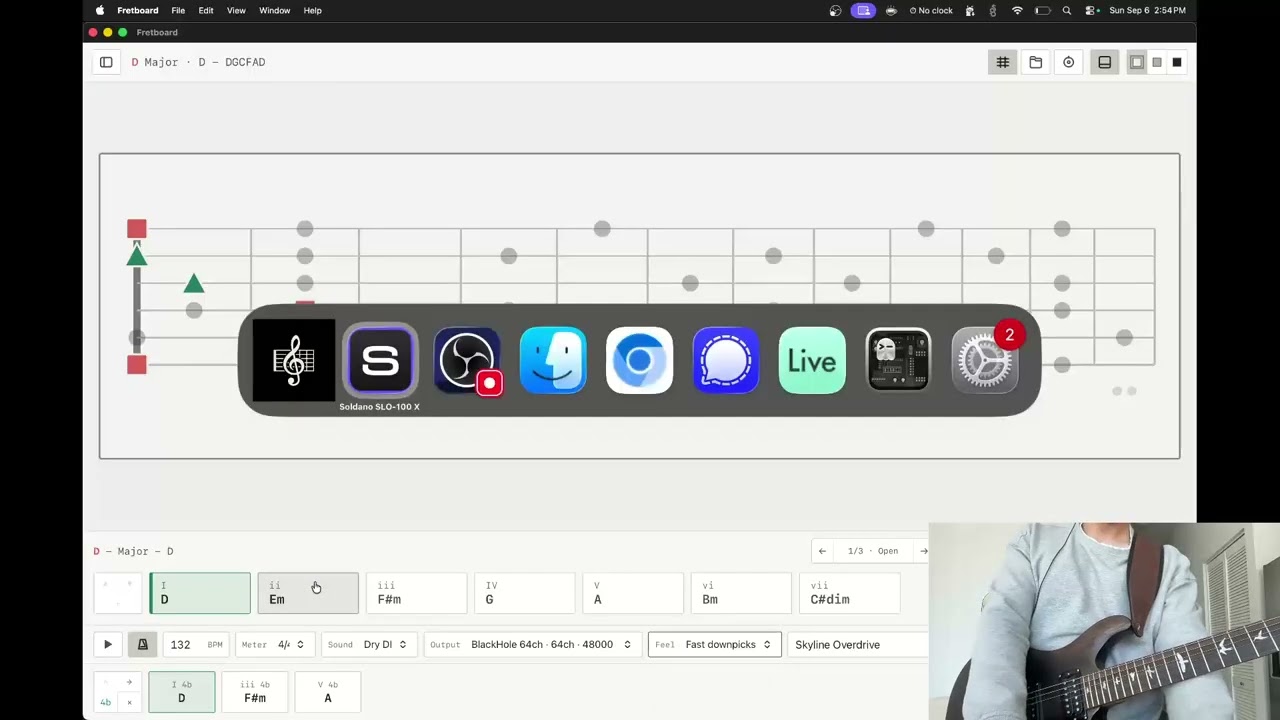
Watch on YouTube → YouTube only loads when you click the preview.A progression is loaded. Click Use the app, then Play in the bottom-left. Change the key, try the chords, or let it loop while you play along.
See how the notes and chords fit together, with your guitar in hand.
Choose a key, scale, and tuning. See the notes across the neck, with roots marked in coral.
Pick a low, middle, or high position. As the chords change, the app finds shapes in the same area.
Build a progression, choose the rhythm and meter, and add a metronome. Let it loop while you play.
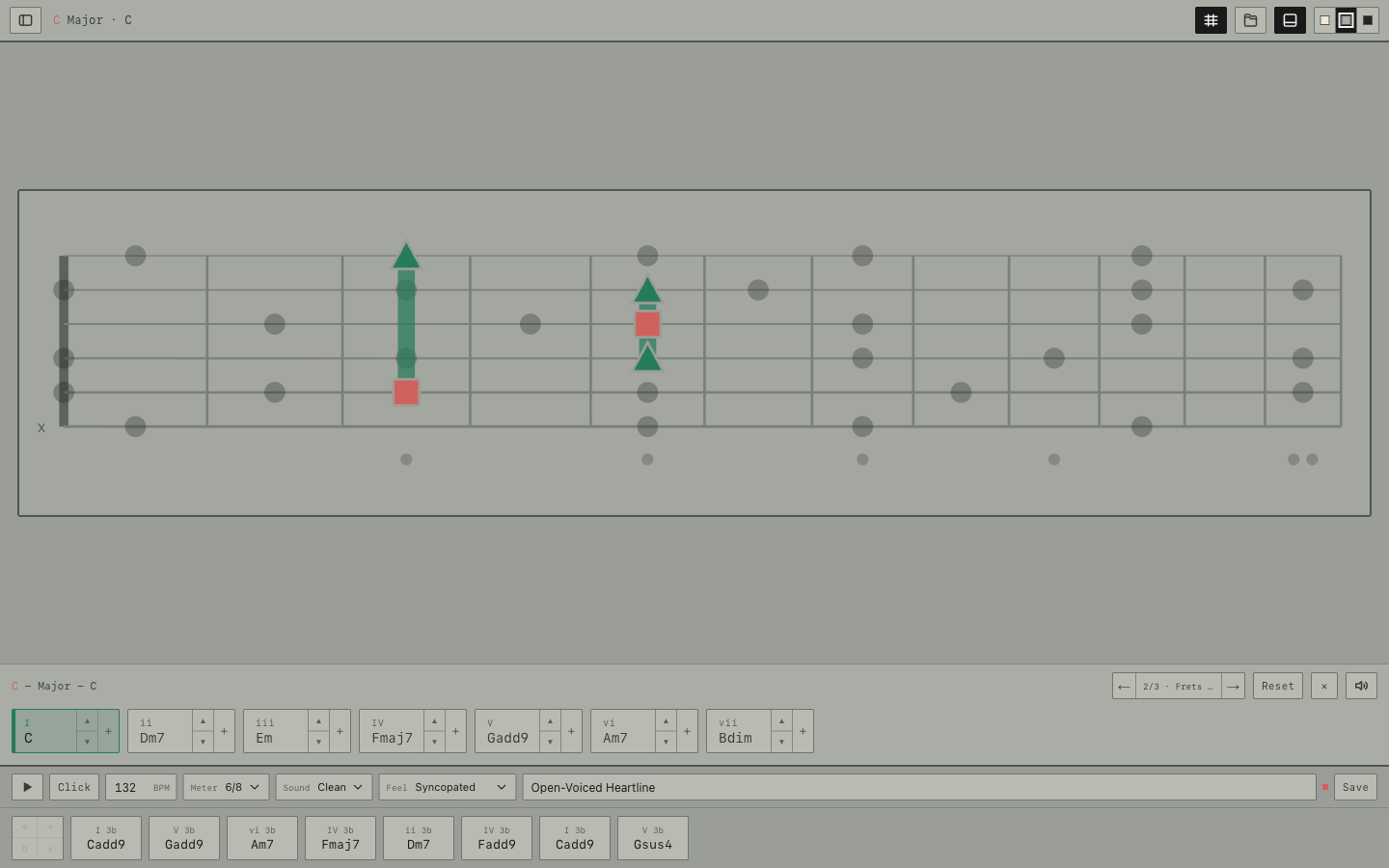
Your progression moves with you. Keep the chord forms, timing, selection, and neck position. No need to start over.
Standard and alternate tunings, seven- and eight-string guitar, bass, and ukulele. Or set up your own tuning.
The installed app includes 28 progressions, from rock and roots to jazz, classical, and atmospheric guitar.
Not finished songs. Just ideas to try, change, and save as your own.
Get the appBrowse the library on the web. Install the app to open the samples.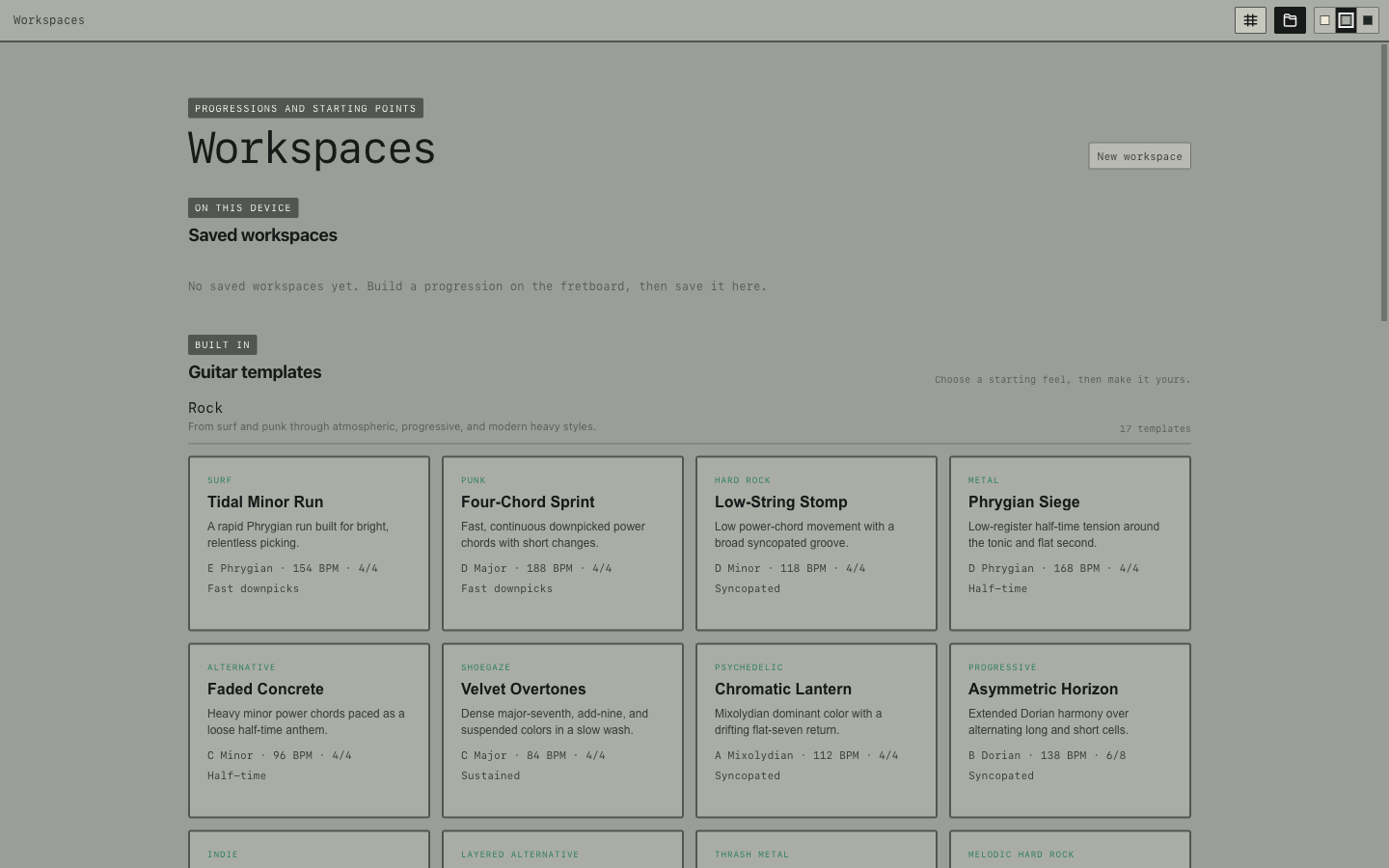
The desktop app makes a dry guitar signal, with no amp or cabinet added. On macOS, send it through BlackHole, then select BlackHole as your amp simulator's input.
Explore the neck, build progressions, and save your work locally. Includes custom tunings, time signatures, and a metronome.
Try it freeGet all 28 progressions and a dedicated app that works offline after installation. Desktop versions also support Dry DI routing where available.
Get the app